Well, here we are....
Collection Overview
I spent a few days collecting and sorting out this collection. Most of them are softsubs, at least the ones I could find, and in the best quality (except BDMV's because that's just ridiculous, lol).
Completeness and Updates
This collection aims to be as complete as possible, but if you find anything missing, please let me know in the comments. I plan to release updated versions every few months. Updates should include any new releases or improvements to existing files.
Organization
All files are organized by series and episode number, making it easy for media managers like Plex (with HAMA/ASS), AniTag etc. to match metadata from AniDB. The folder names are based on the series titles on AniDB. There are no duplicate files.
File Labels
Some files in the collection are labeled as (RAW) for episodes that currently do not have subtitles available, typically for newer releases. Previews are marked as (Preview).
AniDB and AniTag Integration
Because AniDB may temporarily block IPs after around 200 requests, I’ve included all essential AniDB files. Follow the included instructions to allow HAMA to sync the entire collection with Plex in a single operation. I have also included AniTag files, just follow the instructions to setup it up on your machine as-is.
Seeding
I will try to seed this collection as much as possible, but I will definitely need help from the community to keep it alive. So please Seed it if you can!
Acknowledgements
Thanks to everyone who made these files available. Especially,
Plex + HAMA + Absolute Series Scanner (ASS) Setup
In the end, you should have HAMA added to:
C:\Users\{YourUsername}\AppData\Local\Plex Media Server\Plug-ins\Hama.bundle
and ASS added to:
C:\Users\{YourUsername}\AppData\Local\Plex Media Server\Scanners\Series
Once the Plex server restarts, HAMA should create additional files at:
C:\Users\{YourUsername}\AppData\Local\Plex Media Server\Plug-in Support\Data\com.plexapp.agents.hama
Extract the Helpers.zip included in this torrent and copy the extracted contents of Plex/AniDB.zip to C:\Users\{YourUsername}\AppData\Local\Plex Media Server\Plug-in Support\Data\com.plexapp.agents.hama\DataItems\AniDB. Replace the existing files if prompted.
Hentai Collection as a path to the new Plex library and select Absolute Series Scanner as the scanner and HAMA as the agent for your new library. Save Changes and it should start syncing the whole collection. Note: There might be some shows that Plex may misidentify. Make sure to check for any duplicate episodes or unmatched shows and match them manually.
Plex - Alphabetical Order - 1

Plex - Alphabetical Order -2

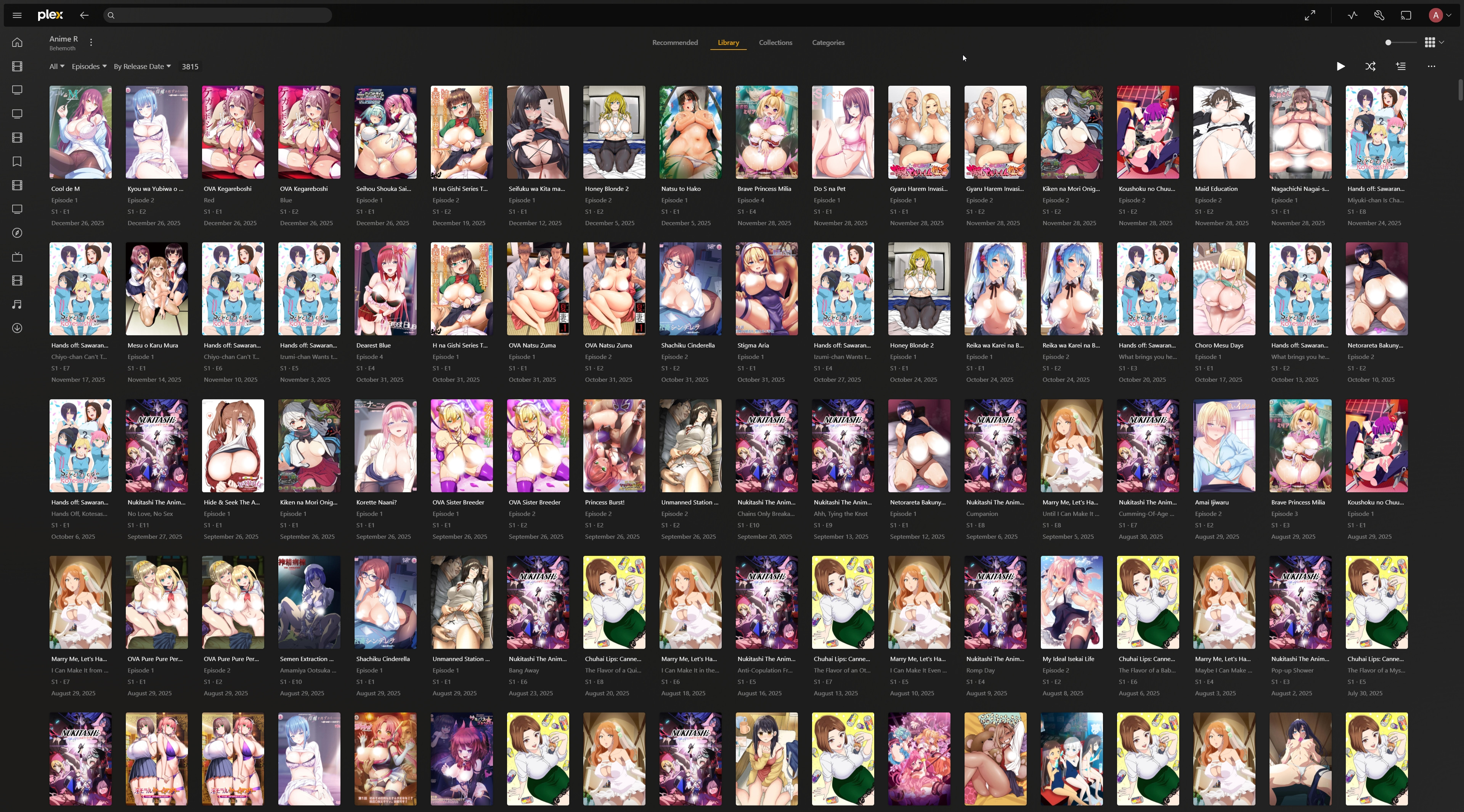
Plex - Episodes - Order by Release Date
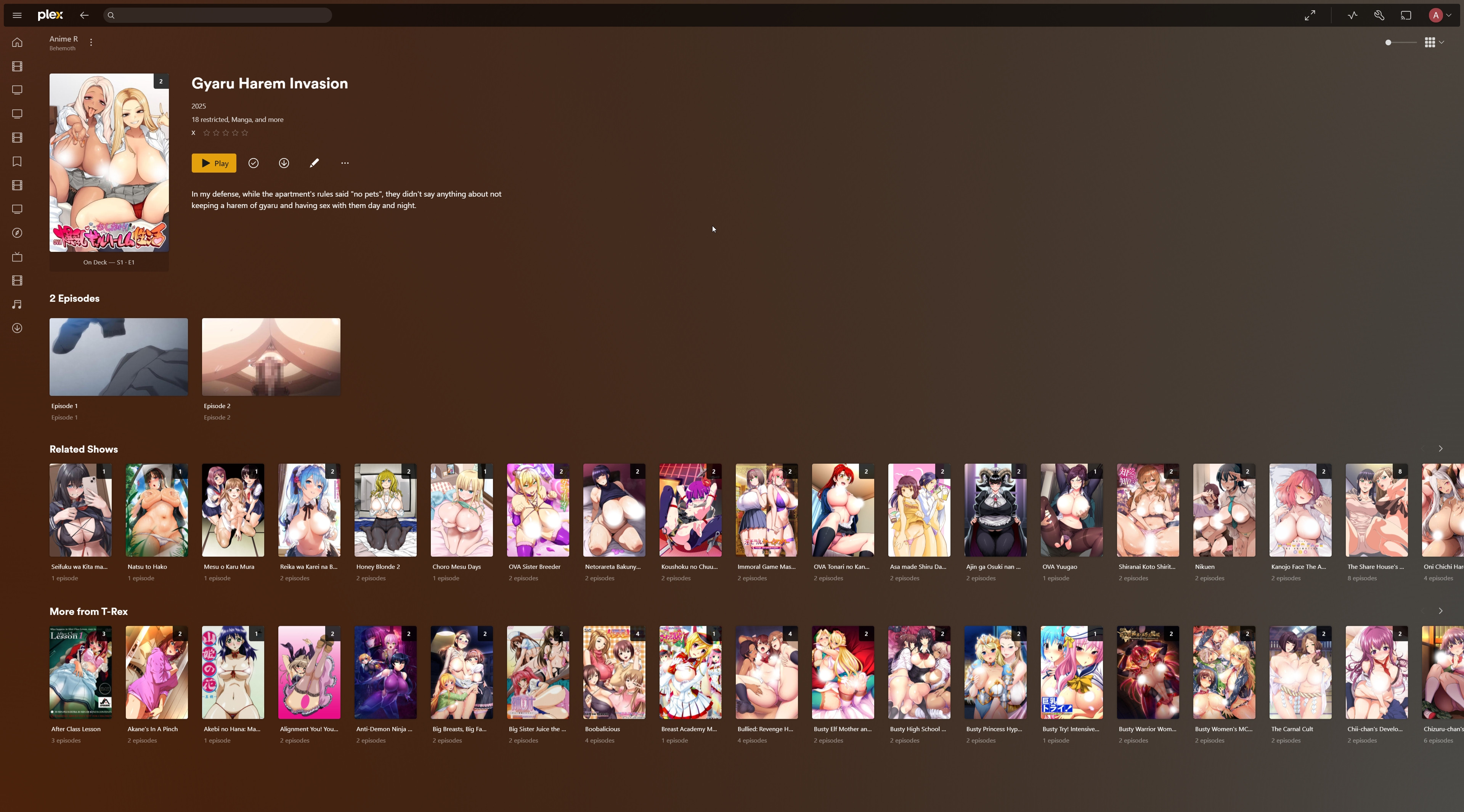
Plex - Show
AniTag Setup
Helpers.zip included in this torrent and AniTag is included in AniTag/AniTag 1.1.4.zip. Extract that zip to a folder of your choice. AniTag.exe at least once to generate the necessary database files. Temp in AniTag. Consider the steps here. AniTag.exe. The AniTag database files should be located at C:\Users\{YourUsername}\AppData\Roaming\Godot\app_userdata\AniTag.
Extract the included AniTag/db.zip to this location. In the end the path should be C:\Users\{YourUsername}\AppData\Roaming\Godot\app_userdata\AniTag\db\anidb. Replace the existing files if prompted.
_Settings section including the content inside curly braces at the end of file C:\Users\{YourUsername}\AppData\Roaming\Godot\app_userdata\AniTag\db\Hentai Collection.json with C:\Users\{YourUsername}\AppData\Roaming\Godot\app_userdata\AniTag\db\Temp.json. C:\Users\{YourUsername}\AppData\Roaming\Godot\app_userdata\AniTag\db\Hentai Collection.json and do a find and replace for all instances of K:/Plex/Hentai Collection with your local path to Hentai Collection folder. AniTag.exe again and load the Hentai Collection library. All necessary metadata, posters and images should now be available in AniTag.
AniTag - Show - 1
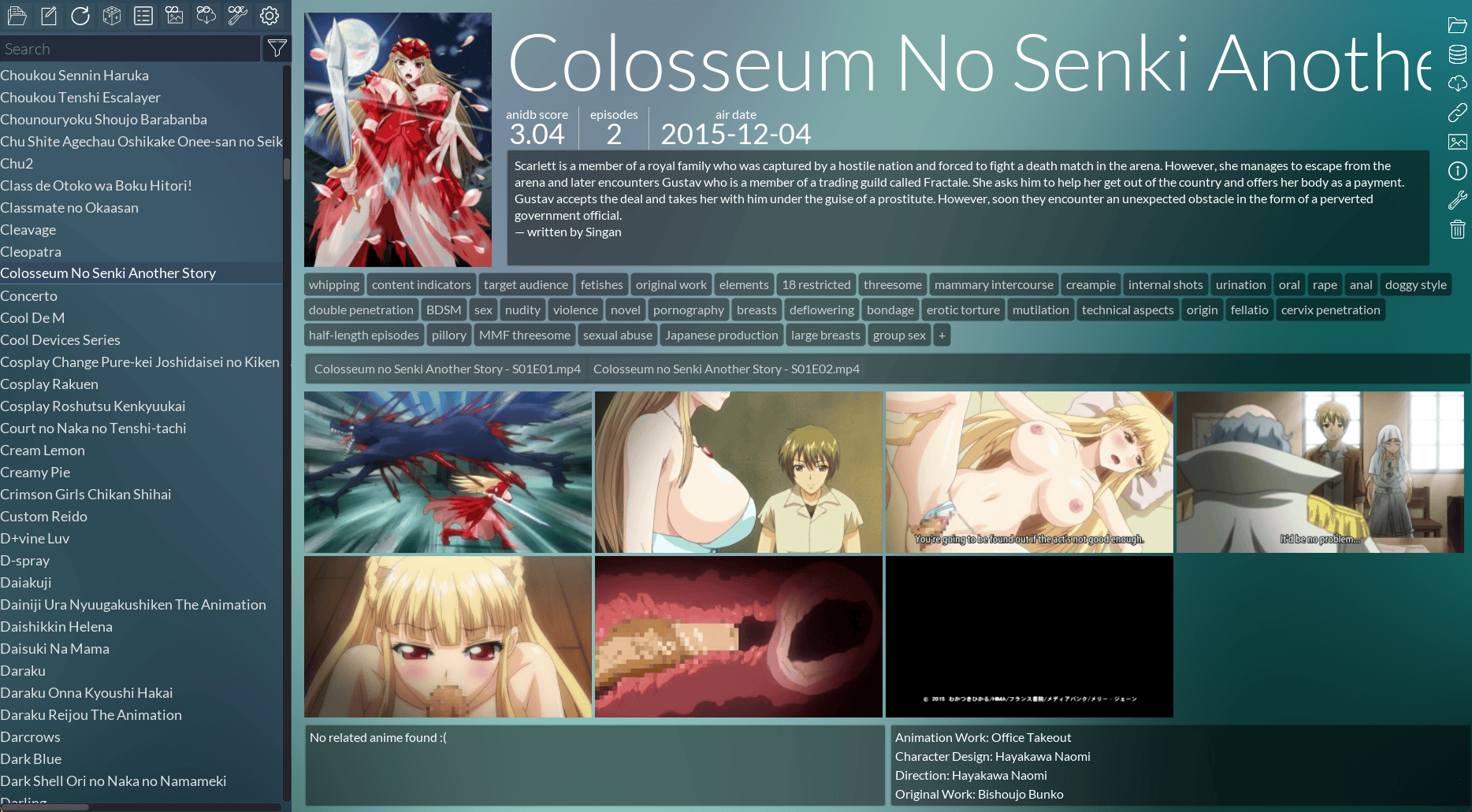
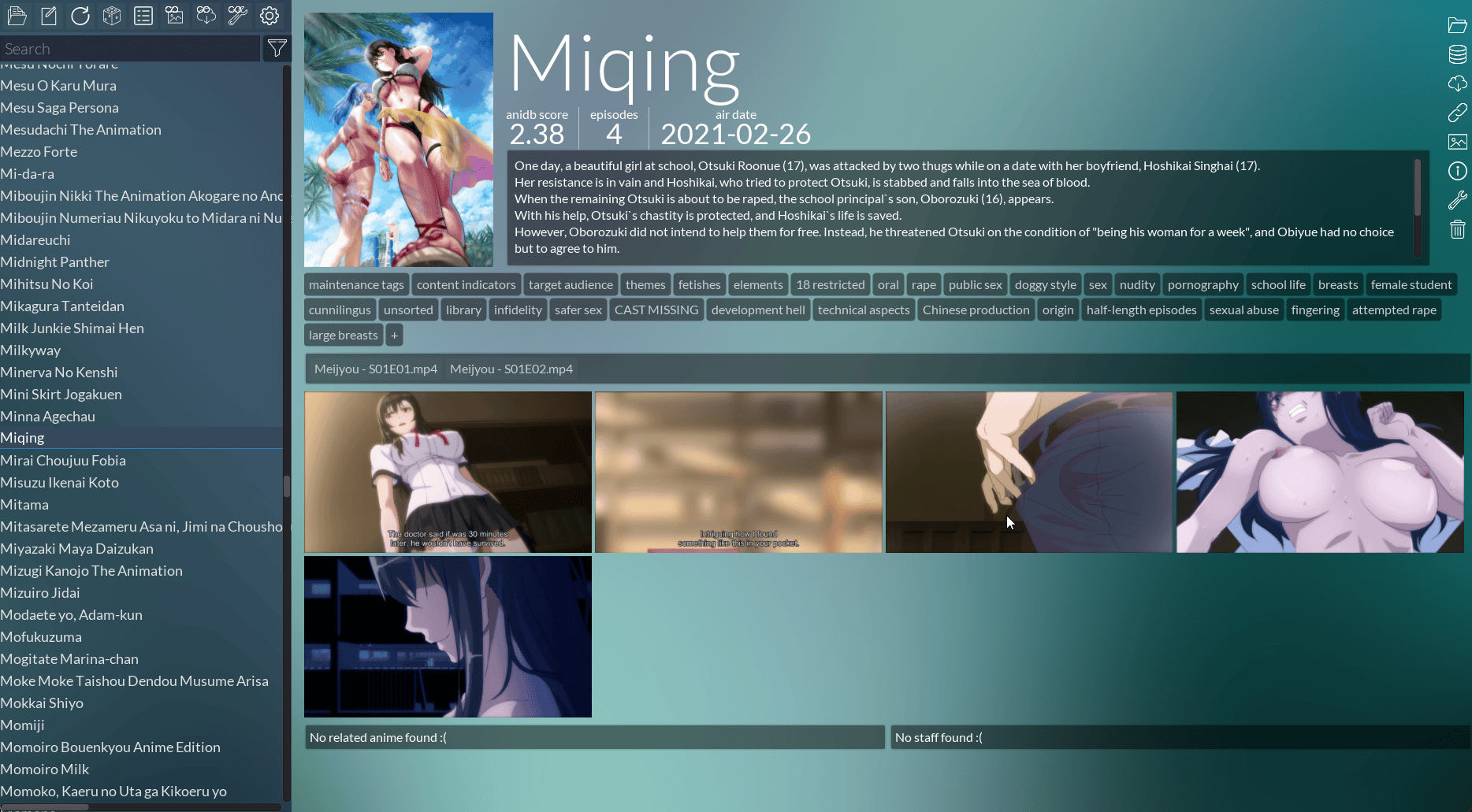
AniTag - Show - 2
Let me know if you have any questions in the comments.
 次元計劃
次元計劃